
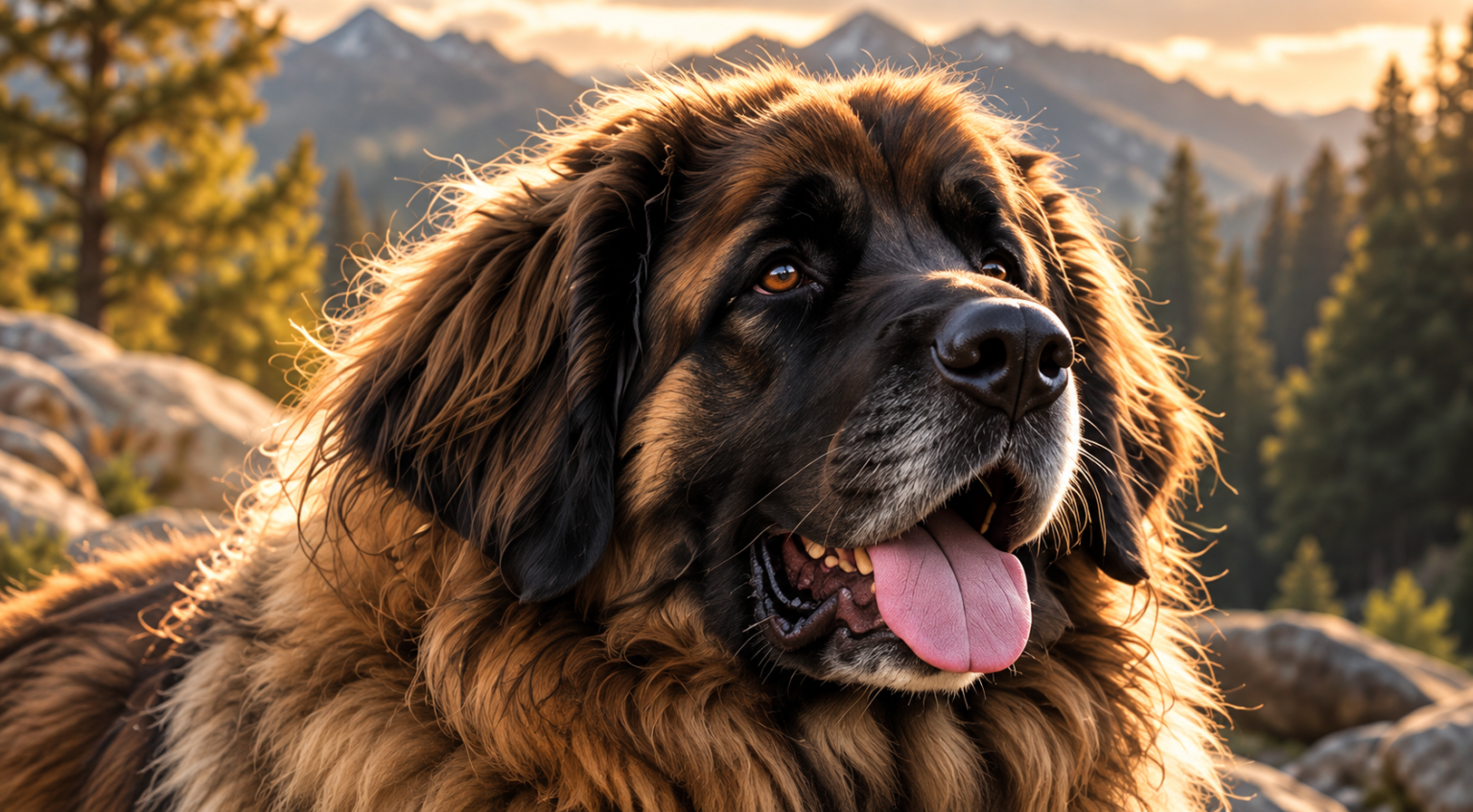
Photos and videos
A few simple tips to get professional-quality pictures, whether you use an iPhone or an Android.
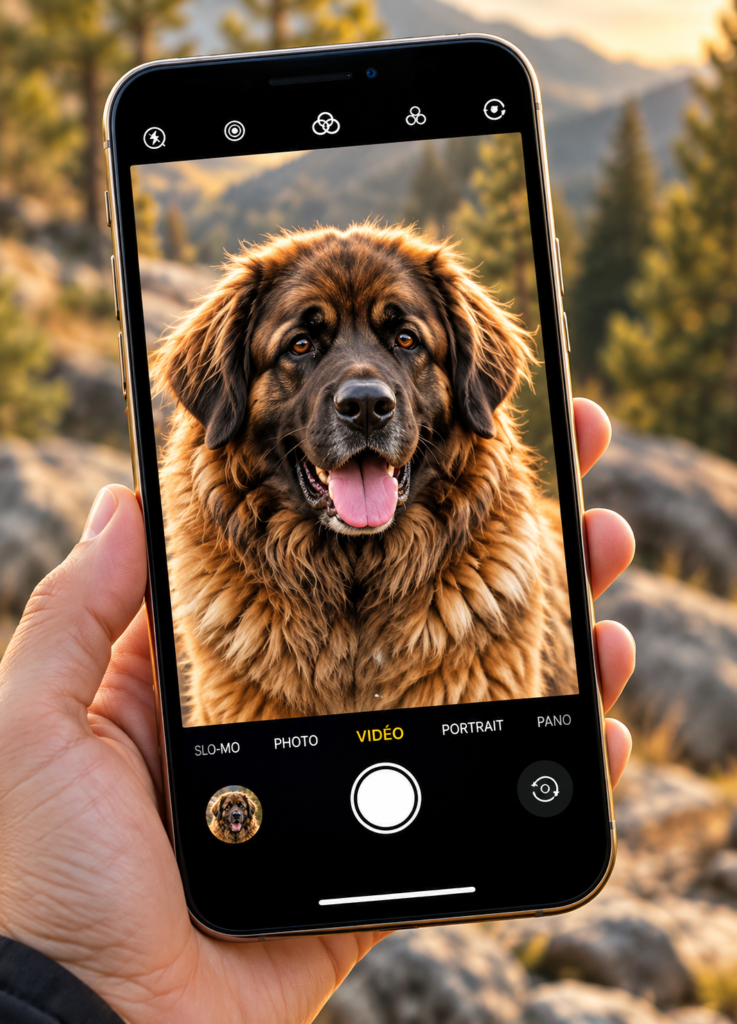
Why is the quality of your photos and videos so important?
Today, almost everyone has a cell phone that can take magnificent photos and videos. Yet we regularly receive pictures that are blurry, pixelated, poorly framed or taken from an angle that does not show the dog at its best.
The problem is not necessarily the phone, but very often two things: the camera settings and the position of the person taking the picture.
- 📷Better image quality
- ❤️More precious memories
- 🐾A better assessment of its conformation
- 🎥Clearer videos of its gait
- 📤Easier to share with family and the breeder
Set up your phonefor the best possible quality
This is the first thing to check before photographing your dog. A powerful phone will not necessarily give good results if the resolution settings are too low.
🍎 iPhone
For videos
- Open the Settings on your iPhone.
- Select Camera.
- Tap Record Video.
- Choose 4K at 30 frames per second, if your device allows it.
4K at 60 frames per second can also be useful for filming a dog in motion, but it takes up more storage space.
For photos
- Use the highest resolution available when you want to keep as much detail as possible.
- On some models, the resolution options are in the camera settings or directly in the app.
- Avoid screenshots of photos: always keep the original photo.
🤖 Android (Samsung, Google Pixel and others)
Menus may vary depending on the brand and model.
For videos
- Open the app Camera.
- Select the mode Video.
- Find the resolution settings, often labelled HD, FHD, UHD or 4K.
- Choose UHD/4K at 30 frames per second, if this option is available.
For photos
- Select a high resolution in the camera options.
- Some phones offer a high-resolution mode, for example 50 MP or 200 MP.
- These modes are not always the best for moving subjects or low-light conditions.
The golden rule:get down to your dog’s level!
This is probably the most important tip in this article. Don’t always photograph your dog while standing up! When you photograph a dog from above, you risk visually distorting its proportions: its head may look too big, its legs too short and its body less well proportioned.
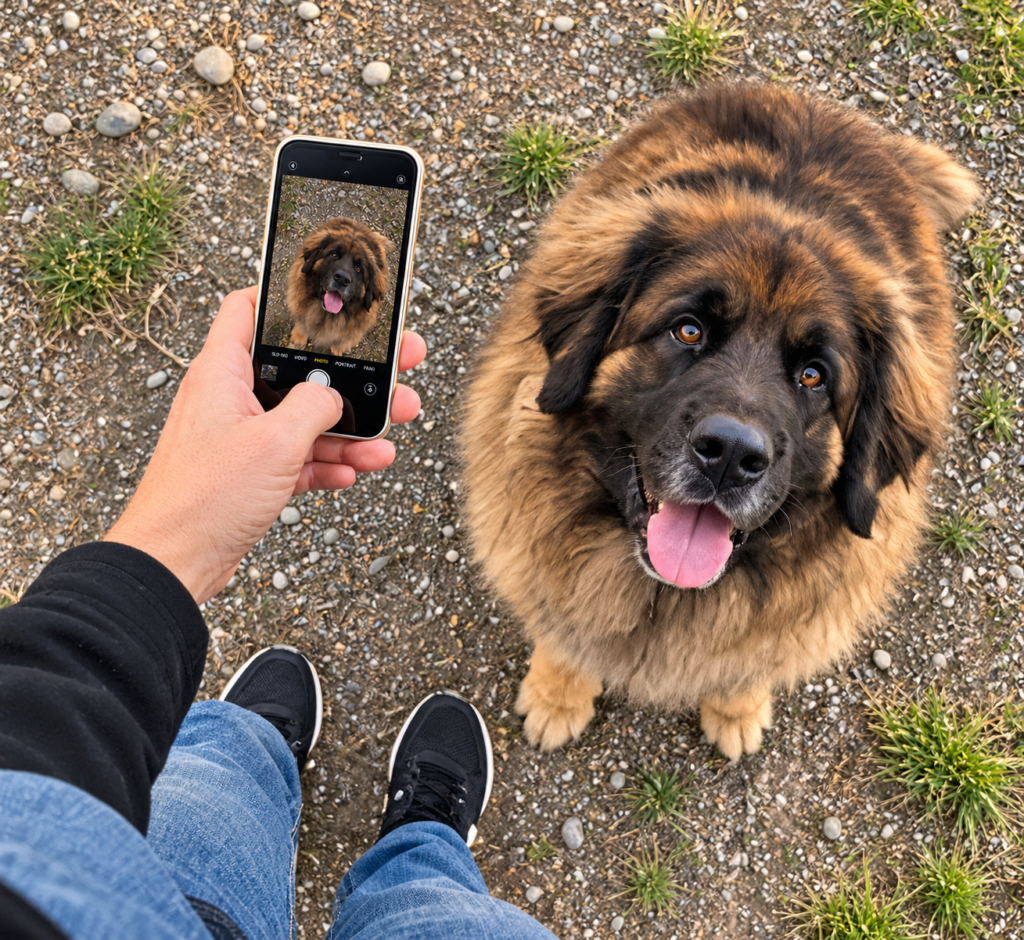
- The angle distorts the proportions
- The dog looks smaller
- The head looks bigger
- The legs look shorter
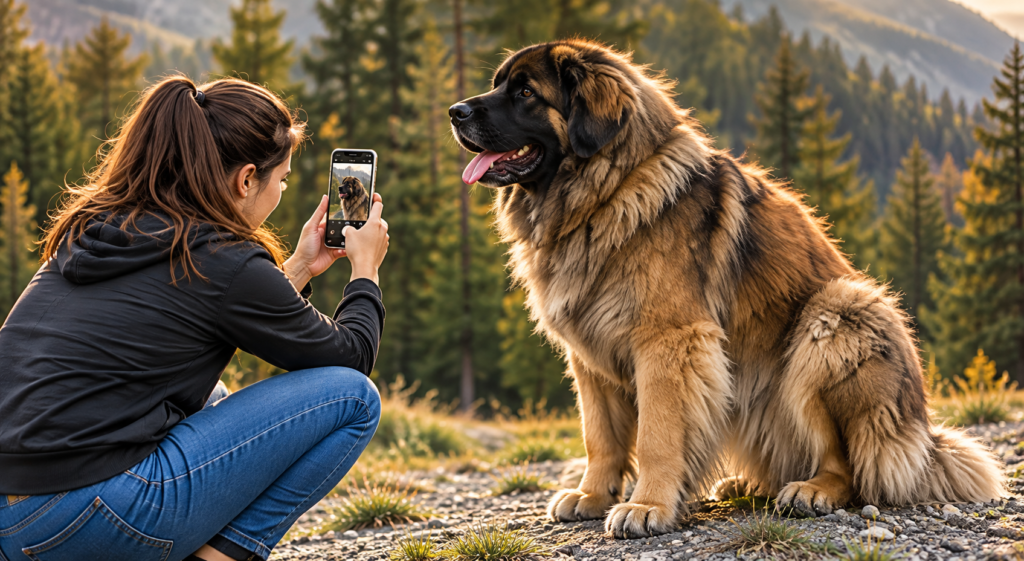
- Crouch or kneel down.
- Place the lens roughly at the height of your dog’s eyes or chest, depending on the framing you want.
- Keep your phone straight when taking a profile photo.
- Leave enough space around the dog so you don’t cut off its legs, tail or ears.
For a Leonberger, the difference is spectacular! A photo taken at its level lets you better appreciate its silhouette, structure, proportions and natural expression.
Photographing your dogstanding, in profile
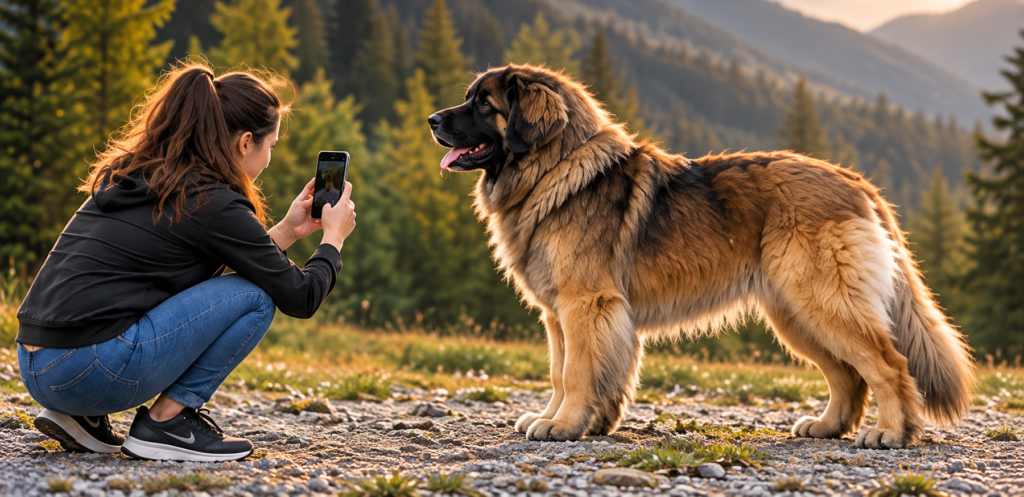
To show your dog from head to toe, especially if you want to show its conformation:
- Stand it on a flat, safe surface.
- Stand to the side, ideally perpendicular to its body.
- Crouch down to hold the phone at a height suited to its silhouette.
- Step back far enough to get the whole dog in the picture.
- Preferably use the phone’s main lens, usually the 1× mode.
- Make sure all four legs are visible.
- Take several photos while the dog stands in a natural position.
A beautiful photoof your dog’s head
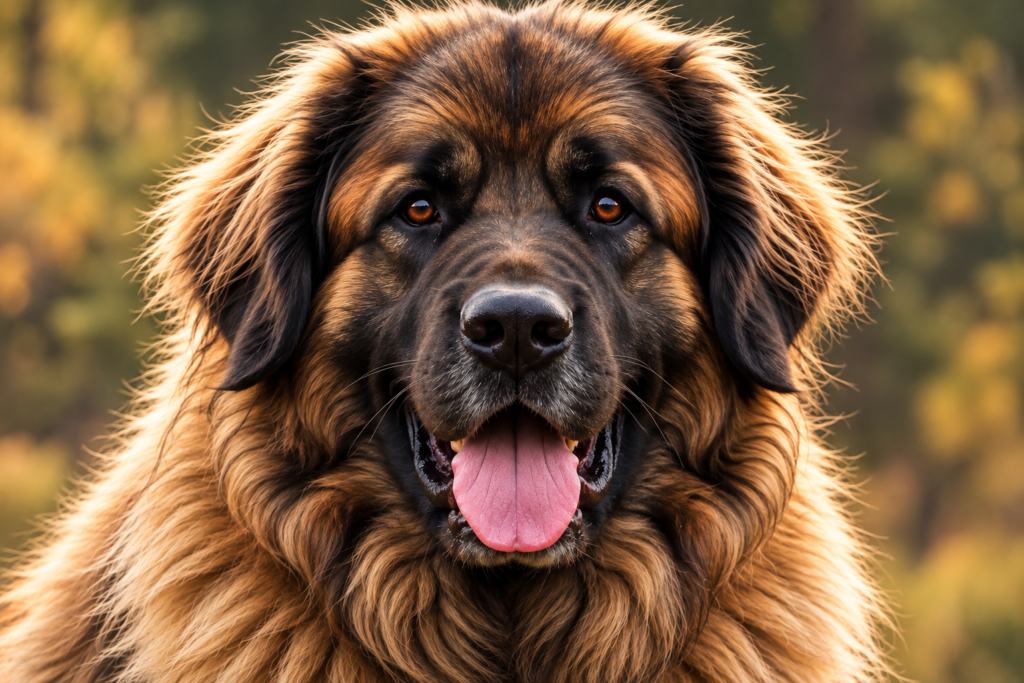
To get a magnificent portrait:
- Get down to the level of its eyes.
- Focus on the eyes by tapping the screen.
- Favour soft natural light.
- Gently catch its attention with your voice or a small noise.
- Avoid holding the phone too close to its muzzle.
- Take several shots to capture the best expression.
A natural look, attentive ears and beautiful light often make all the difference.
Filming your dogin motion
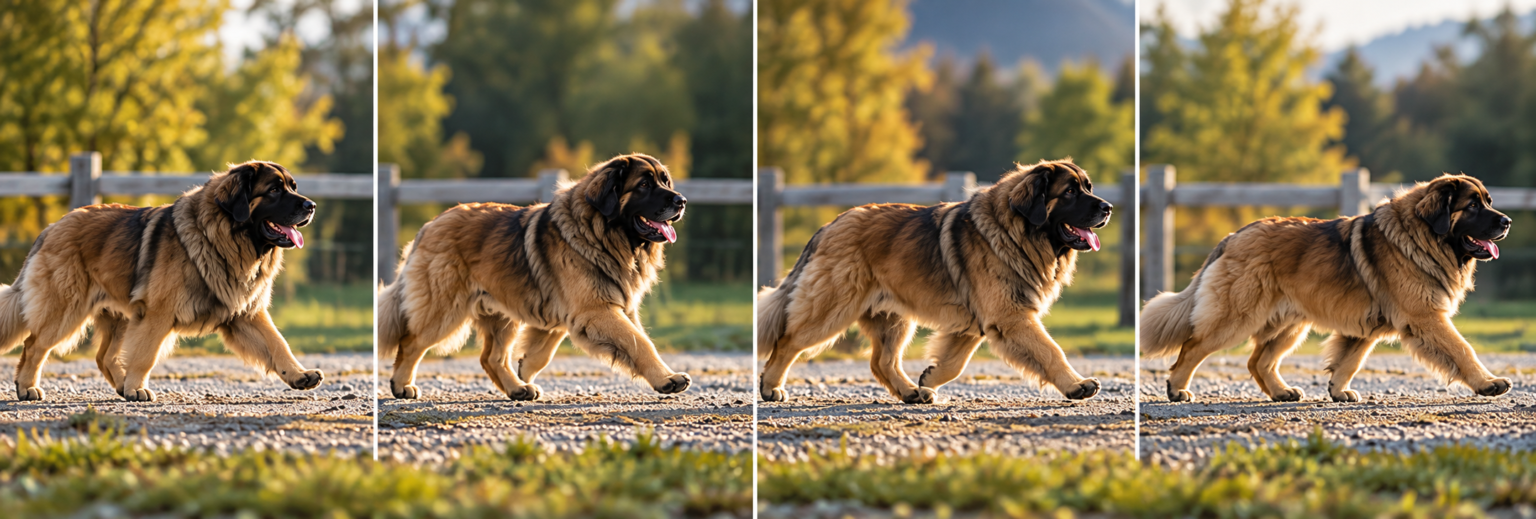
A video shows details that a photo can’t always show, especially the gait and fluidity of movement.
- Get down to your dog’s level rather than filming from above.
- Hold your phone with both hands to limit shaking.
- Film in a well-lit place.
- Avoid following the dog with sudden movements.
- Let it enter and leave the frame naturally.
- To show its gait in profile, film it while it moves in a straight line, from far enough away.
Light:your best ally

Even with the best phone, poor light can ruin a photo.
✓ Do
- A slightly cloudy day.
- Soft light in the morning or late afternoon.
- A bright place, without the sun shining directly in the dog’s eyes.
- A simple background that doesn’t draw attention away.
✕ Avoid
- A dog placed in front of a very bright window.
- Harsh midday sun, which can create strong shadows.
- Dark rooms.
- Flash pointed directly at the dog’s eyes.
Avoid digital zoom
When your dog is too far away, your first reflex may be to pinch-zoom on the screen.
Warning! Depending on the phone and the zoom level, this can reduce image quality.
- Whenever possible, move physically closer to your dog, while keeping enough distance to avoid distortion.
- Preferably use the optical zoom levels your device offers.
Don’t lose qualitywhen sending
You took a magnificent photo? It would be a shame to lose its quality when sending it! Some messaging apps and social networks automatically compress pictures and videos.
- Always keep the original file.
- Avoid taking a screenshot of a photo.
- Use an option to send in original quality or high definition when it is available.
- For important files, use an original-file transfer or a sharing link without compression.
A photo received in low resolution cannot always recover all its detail, even with enhancement software.
❤️ Our final tip: take your time!
Your dog doesn’t need to be perfectly still or constantly looking at the camera to look magnificent. Let it relax, be patient and take several photos.
Sometimes the most beautiful photo is the one you take spontaneously, when it looks at you, plays or simply enjoys the moment.
Remember these three essential rules
- 📱A well-set camera
- 🐾A phone at your dog’s level
- ☀️Beautiful natural light
With these three elements, you will greatly improve your photos and videos, without needing a professional camera.